How to see your photos on a map on iPhone
Your iPhone already keeps a map of your photos. In the Photos app, open Collections and tap Map (on iOS 17, it’s Albums → Places). Every photo taken with a location appears where it was taken, and zooming in splits the clusters into places.

Ricordo · Every place you’ve been, on one mapFree on the App Store, for iPhone and iPad
Download on the App Store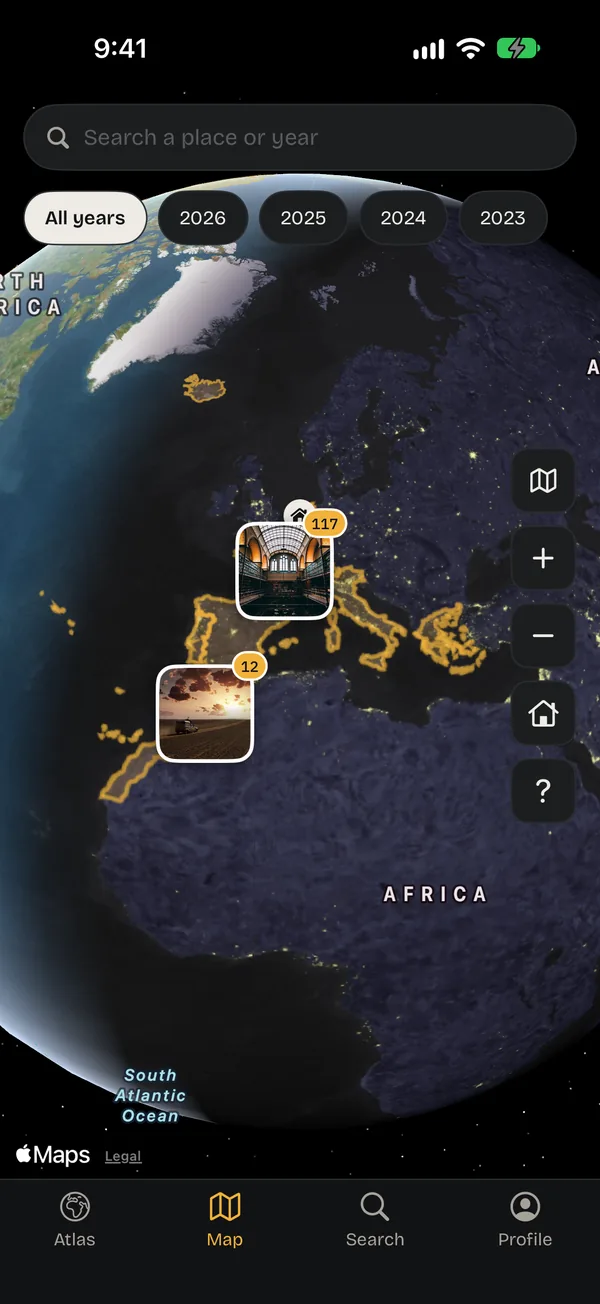
Find the map in the Photos app
The map is built into the Photos app. Where it lives depends on your version of iOS:
iOS 26: from your Library
- Open Photos and go to Library.
- Tap the Sort and Filter button, then Show Map.
Your library turns into a map of where each photo was taken. The steps below for iOS 18 may still work too.
iOS 18 and later
- Open Photos and scroll down past your library to Collections.
- Under Pinned Collections, tap Map. If you don’t see it, tap Modify and add it.
- Pinch to zoom out to the whole world, or in to a single street. Tap a cluster to see its photos.
iOS 17
- Open Photos and tap the Albums tab.
- Scroll to People & Places and tap Places.
- Switch between Map and Grid at the top to see the photos by place.
To see where one photo was taken, open it and swipe up (or tap ⓘ). A small map shows the spot, and tapping it shows the other photos taken nearby. The full how-to is in where was this photo taken.
Why some photos aren’t on the map
A photo only appears on the map if it has a location saved with it. The usual reasons one doesn’t:
- The Camera wasn’t allowed to use your location. Check Settings → Privacy & Security → Location Services → Camera, and choose While Using the App.
- It came from a chat app. Photos saved from messages usually lose their location on the way.
- It’s a screenshot or a scan. These never have one.
- It came from an older camera without GPS.
You can add a place to them by hand, one by one or several at once: see how to add a location to photos on iPhone.
What the Photos map doesn’t tell you
The Photos map is great for “where was that beach?”. It’s less good at the bigger picture. It doesn’t tell you:
- how many countries and cities you’ve been to,
- which photos belong to which trip,
- the order you went in, or the route you took,
- how your world grew year by year.
For that, the map has to understand your library as trips and places, not just dots.
Turn it into a map of your travels
Ricordo reads the same locations, on your iPhone, and builds a travel map from them: every country and city lit up, every trip found and named, and the best photo on every place.
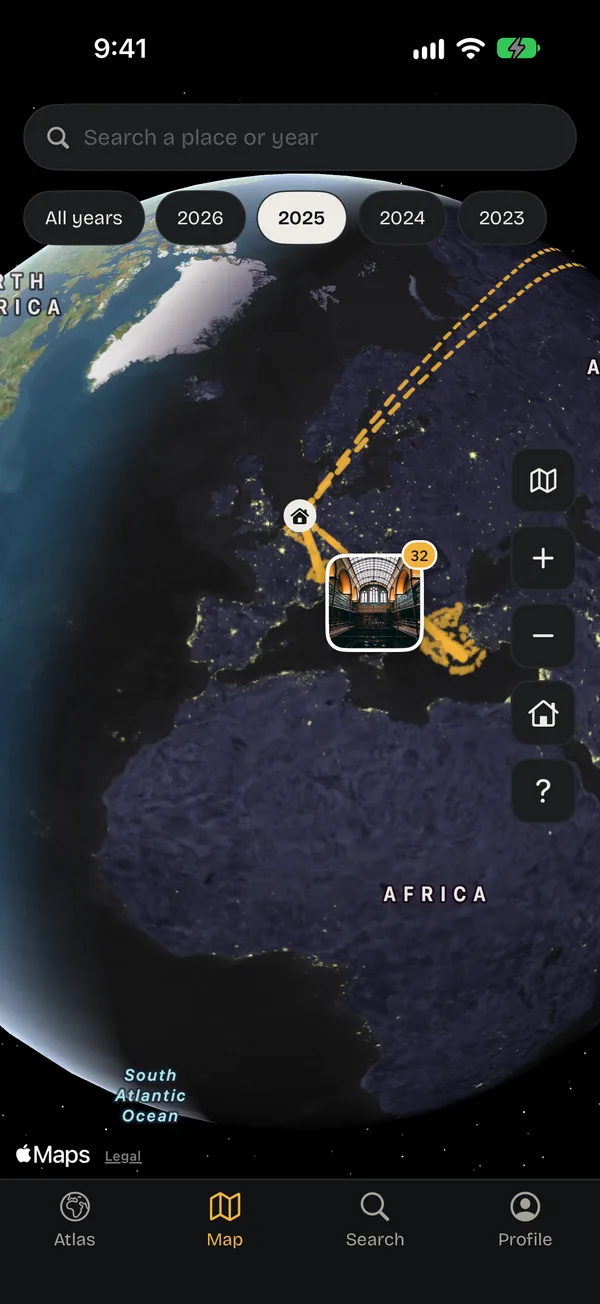
- The globe: your countries glow, your cities light up, and an arc runs from home to every trip, flights high and road trips low.
- The map: zoom in and every place shows its best photo, with how many you took there. Tap a place to see every photo from it.
- One year at a time: pick a year to see that year’s trips drawn across the map.
- The time machine: press play and watch every country arrive in the order you first went.
Places are found on the phone, from 160,000 cities kept on it, so your photos aren’t uploaded anywhere. Like any map app, the satellite map loads the area on screen from Apple.
Questions
Where is the Places album on iPhone?
On iOS 18 and later, open Photos, scroll down to Collections and tap Map under Pinned Collections. On iOS 17, it’s in the Albums tab under People & Places → Places.
Why are my photos not showing on the map?
They don’t have a location. Photos taken while the Camera couldn’t use your location, photos saved from chat apps and screenshots have none. You can add one in the photo’s info panel.
Can I see all the countries I’ve visited on my iPhone?
The Photos map shows your photos as dots, not countries. Ricordo reads the same locations and lights up every country and city on a globe, with your number at the top.
Does seeing photos on a map upload them?
Not in the Photos app, and not in Ricordo, which works out your places on the iPhone. Map tiles themselves load from Apple, as in any map app.