Share the trip, not your library.
Turn a trip into a link anyone can open on any phone or computer, make a card for your Story, or show your countries on a page of your own. Only the photos you pick leave your iPhone, and you can take them back any time.
Three taps, and they’re on the trip with you.
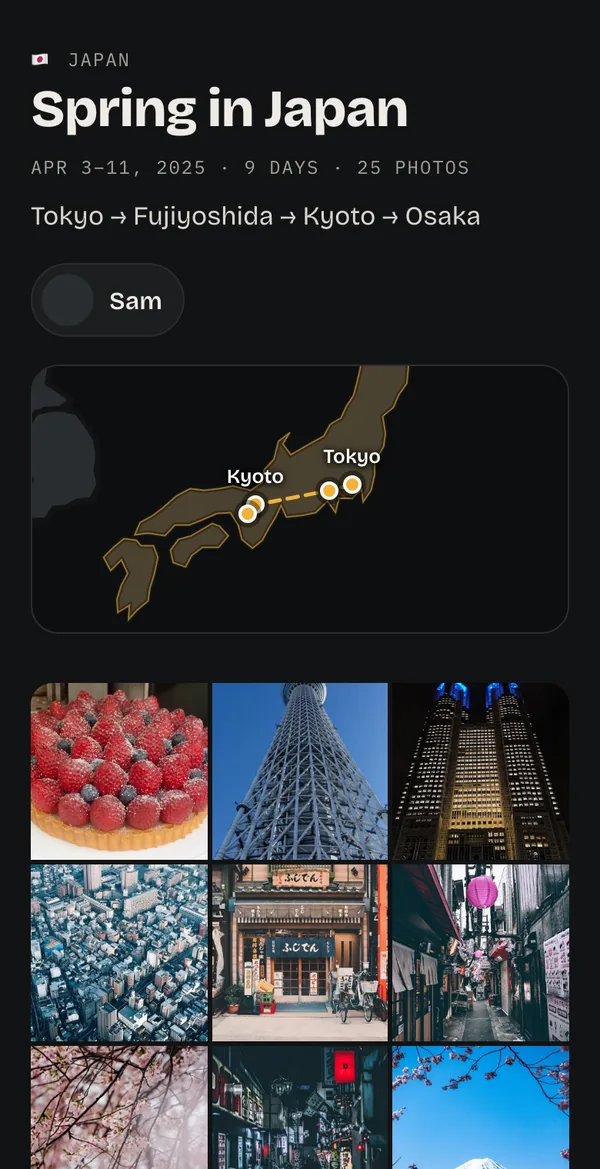
Pick the photos, create the link and send it. Friends open the trip in their browser: the route through each city, the dates and the photos you chose. They don’t need Ricordo or an account.
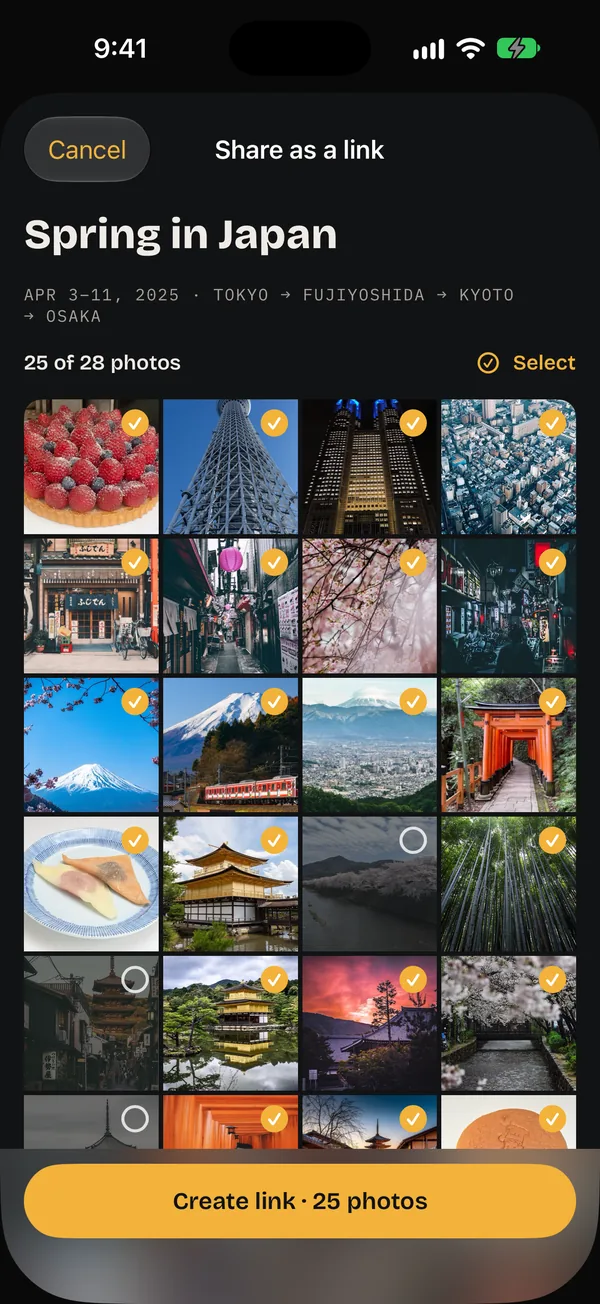
Pick the photos
Choose which photos go. Leave out any you’d rather keep to yourself.
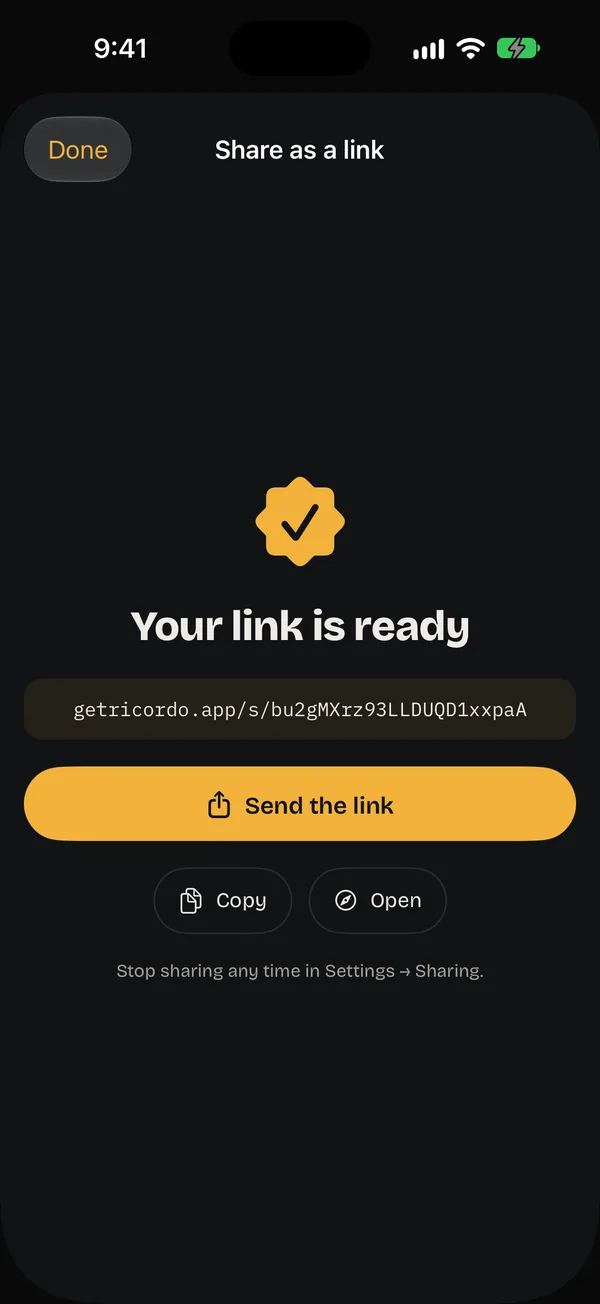
Create the link
One tap makes it. Send it in any chat, or copy it.
They open the trip
The route on a map, the dates and your photos, on any phone or computer.
Made for your Story and your feed.
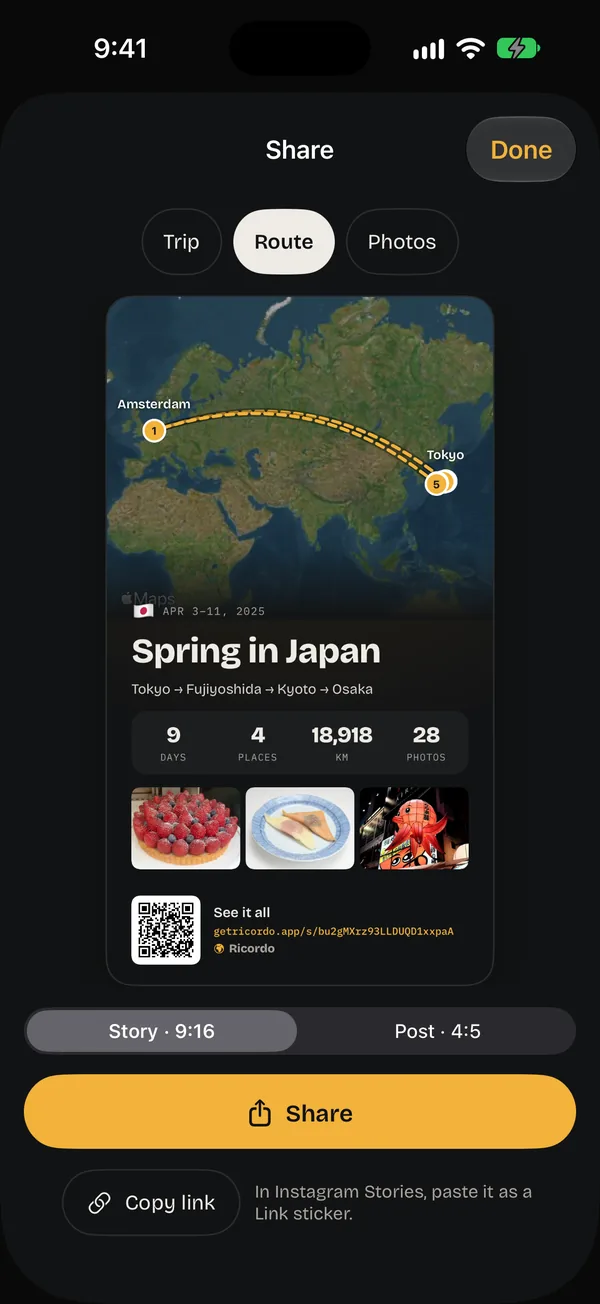
Every trip makes three cards, each as a Story (9:16) or a Post (4:5). Once a trip has a link, its cards carry a QR code and the address, so people can see the rest.
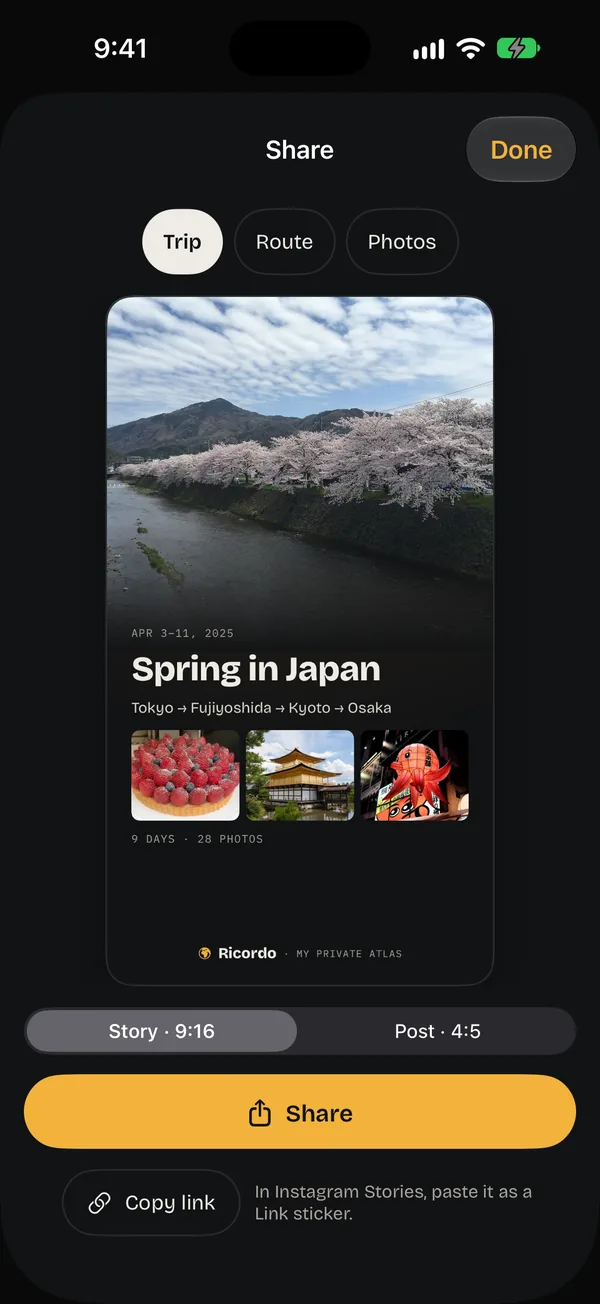
Trip
The cover, the dates, the cities and three of the best photos.
Route
From home and back on a satellite map, with the days, places and kilometres.
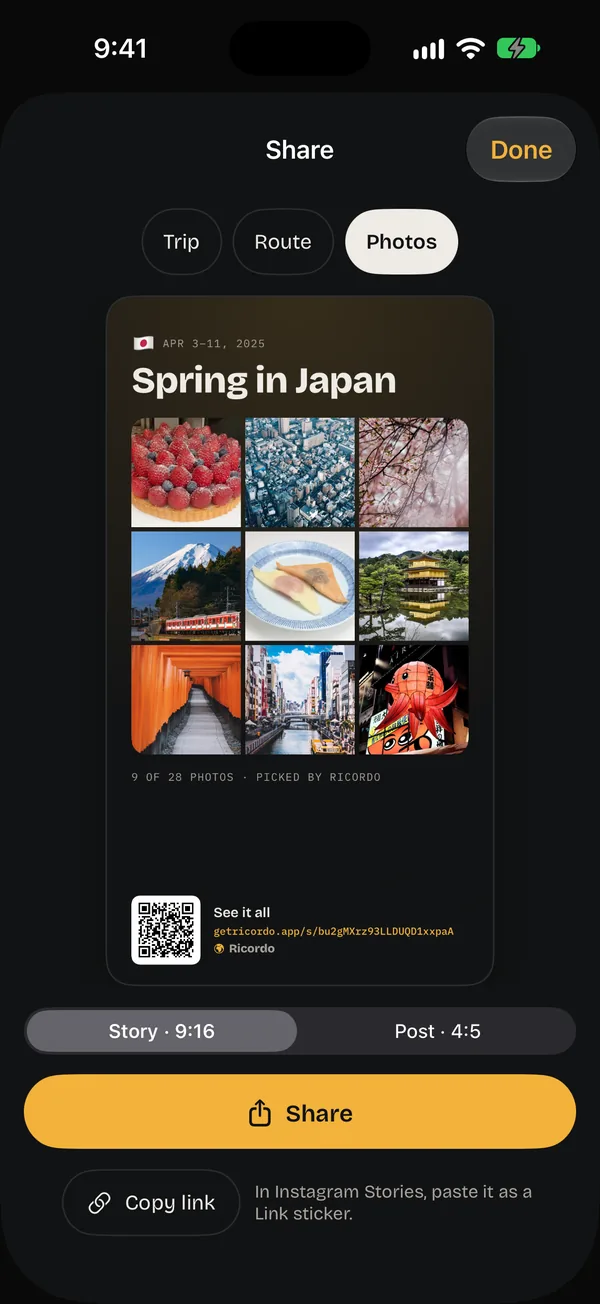
Photos
Nine photos three by three, picked by Ricordo.
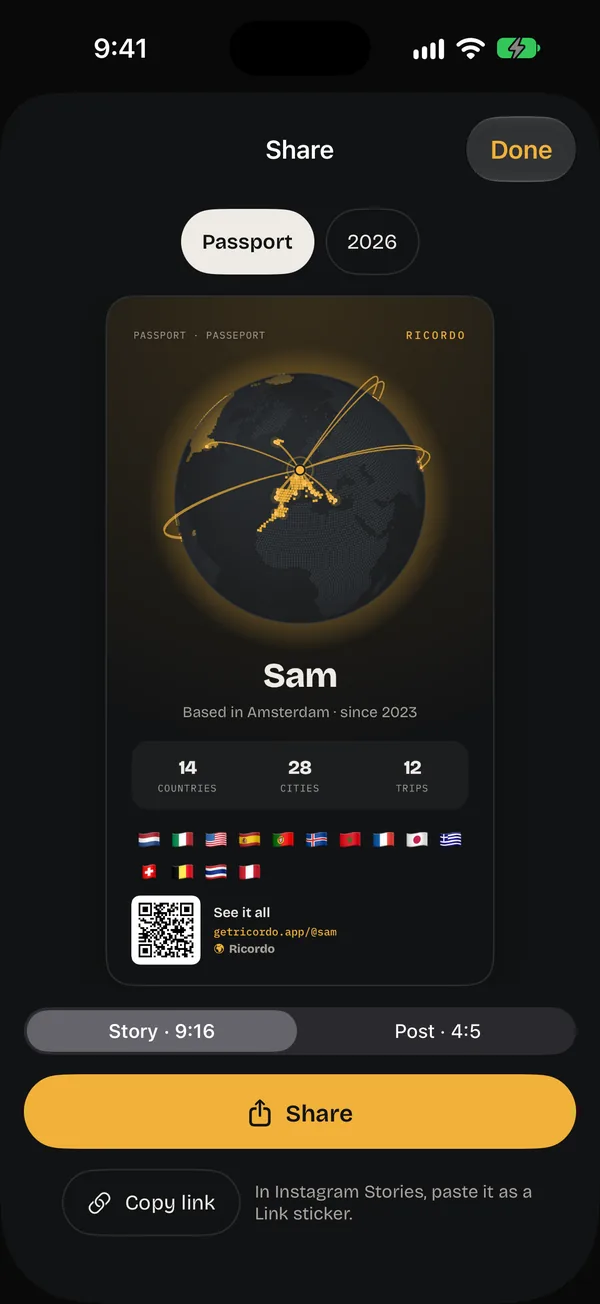
Passport
Your whole atlas: the globe, your numbers and every flag.
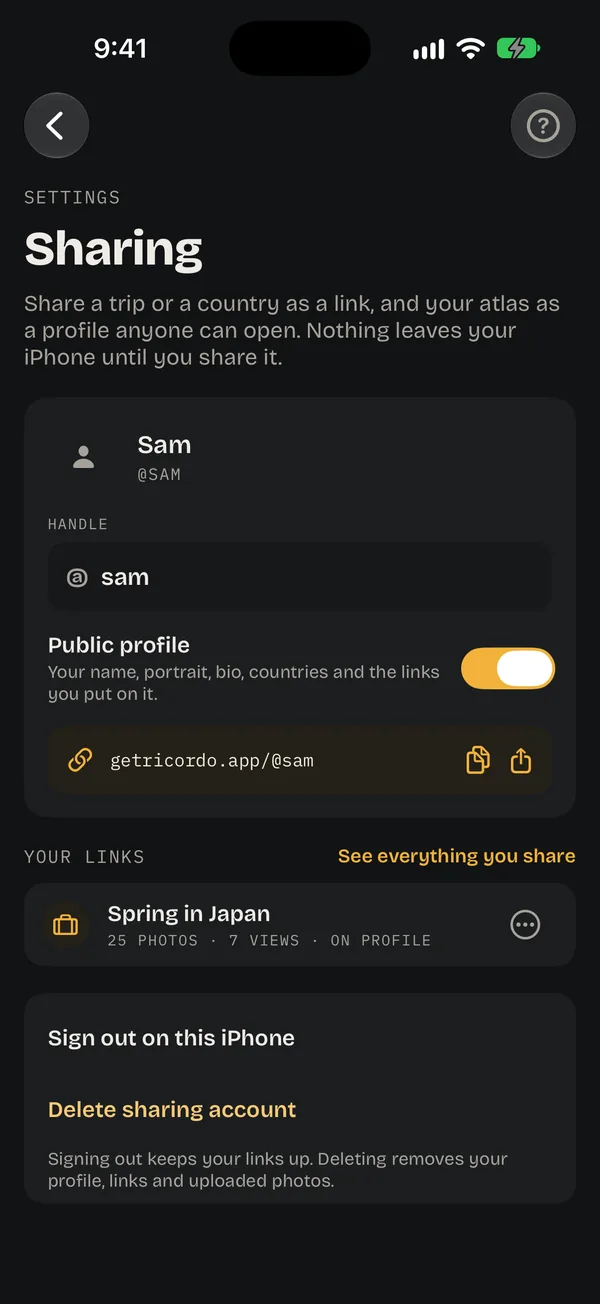
Your atlas, at getricordo.app/@you.
Turn on a public profile and anyone with the address sees your countries lit on a world map, your numbers, and the trips you choose to put on it. It stays off until you turn it on, and you pick the name.
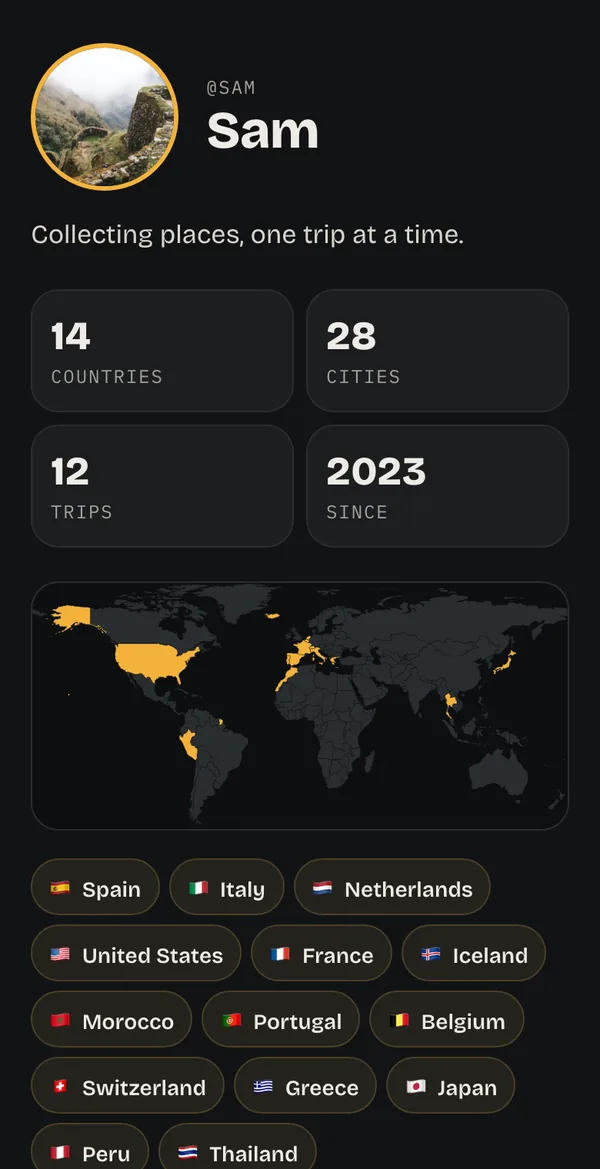
Links that look like the trip.
Send a link in WhatsApp, Messages or anywhere else and it arrives with a proper preview: the photos, dates and map of a trip, or your countries on a world map.
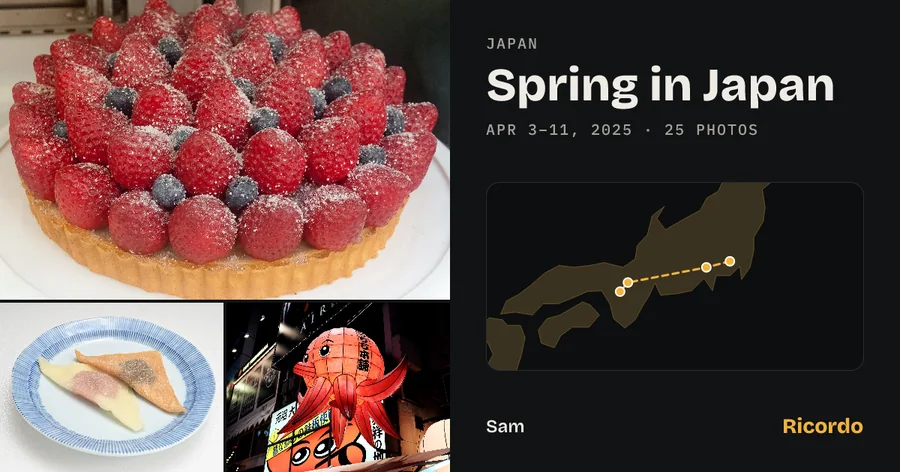 Spring in Japangetricordo.app
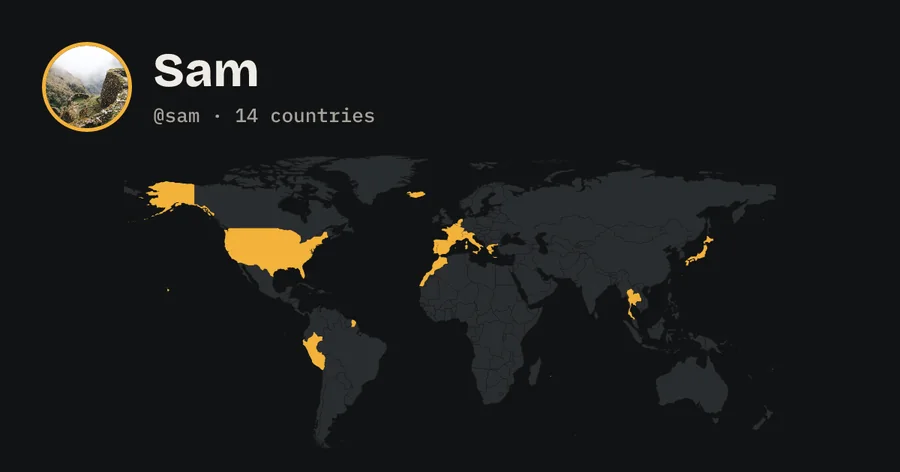 Sam (@sam)getricordo.app
Everything you share, in one place.
Shared by you lists everything anyone can see, with how many times it’s been opened. Stop a link and its page comes down and its photos are deleted.
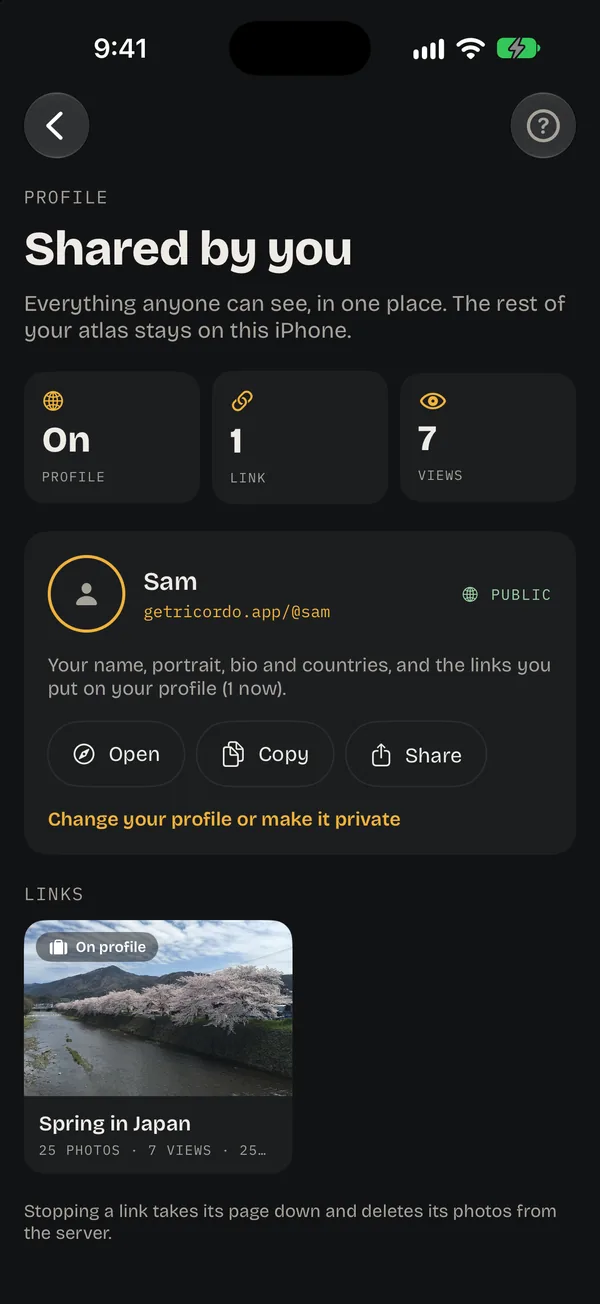
Only what you pick
Just the photos you choose, made smaller. The rest of your library stays on your iPhone.
No hidden details
Photos are cleaned of hidden data, including where they were taken. Links show cities, never exact places.
Take it back
Stop sharing any time: the page comes down and its photos are deleted from the server.
Sign in only to share
Sharing uses Sign in with Apple, and Ricordo never sees your email.
Good to know
Do my friends need Ricordo?
No. Links open in any browser, on any phone or computer.
Will my trips show up on Google?
No. Shared trips and profiles ask search engines not to list them, so they’re found only by people who have the address.
Can I share a country instead of a trip?
Yes. Open a country and tap its link button to share it the same way.
What happens when I stop sharing?
The page comes down and its photos are deleted from Ricordo’s server. Cards you’ve already posted stay wherever you posted them.
Is sharing free?
Yes. Links, cards and your public page are part of free Ricordo.
Share the trip. Keep the rest.
Your library stays yours. The trips you want to show get a link.