The travel app that never sees your photos.
Ricordo reads your library on your iPhone and works everything out right there: places, trips, faces, scenes, search and stories. There’s no account and nothing to upload. Your photos reach nobody, us included, unless you choose to share them.
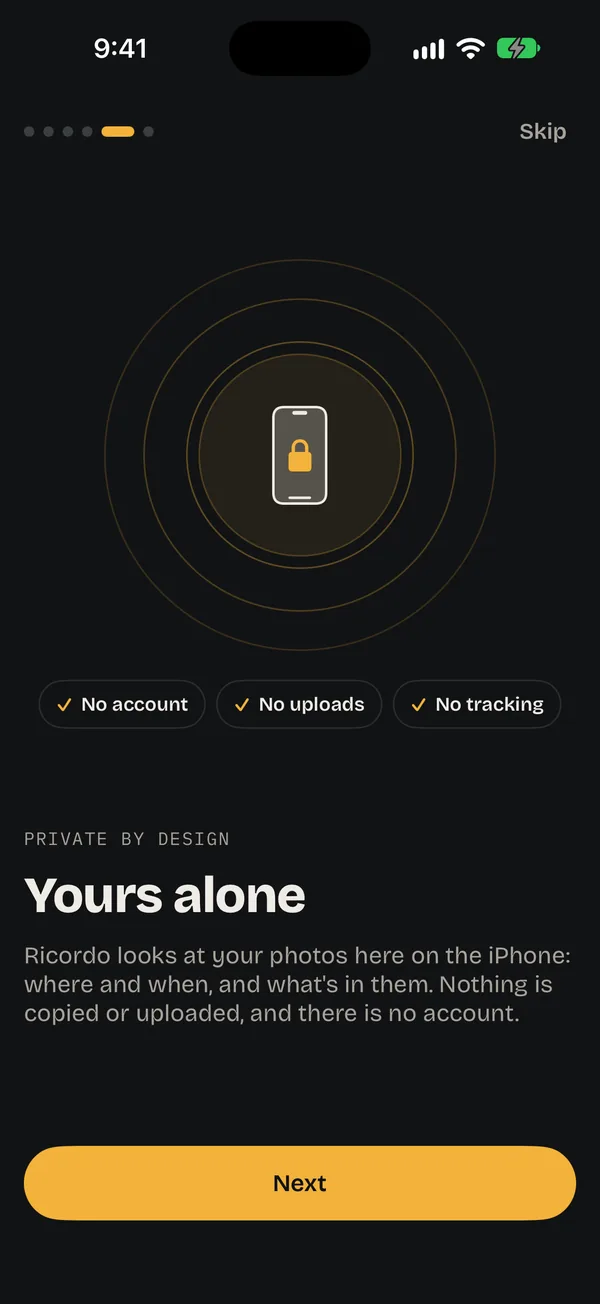
Everything is worked out on the phone.
The work that usually happens on someone else’s computer happens on yours, on your iPhone’s own chip.
Places and trips
Built from when and where each photo was taken. Your photos aren’t copied or uploaded.
160,000 cities, offline
Every place gets its name from a list kept on the phone, so it works on a plane.
Faces and people
Found and grouped on the phone. Faces and names never leave it.
Scenes and search
“Sunset over the sea” is matched on your iPhone, in your own words.
Trip stories
Written by Apple Intelligence on the phone, from the trip’s places and dates.
Boarding passes
Read from your screenshots on the phone. Your name and booking codes aren’t kept.
Clean up
Copies and blurry shots found on the phone. Nothing goes without your say, and iOS asks first.
Films and cards
Highlight films and share cards are made on your iPhone, ready to send.
Every feature says what it keeps private.
Each page that does something big has a ? at the top: how it works, step by step, and what stays on your iPhone.
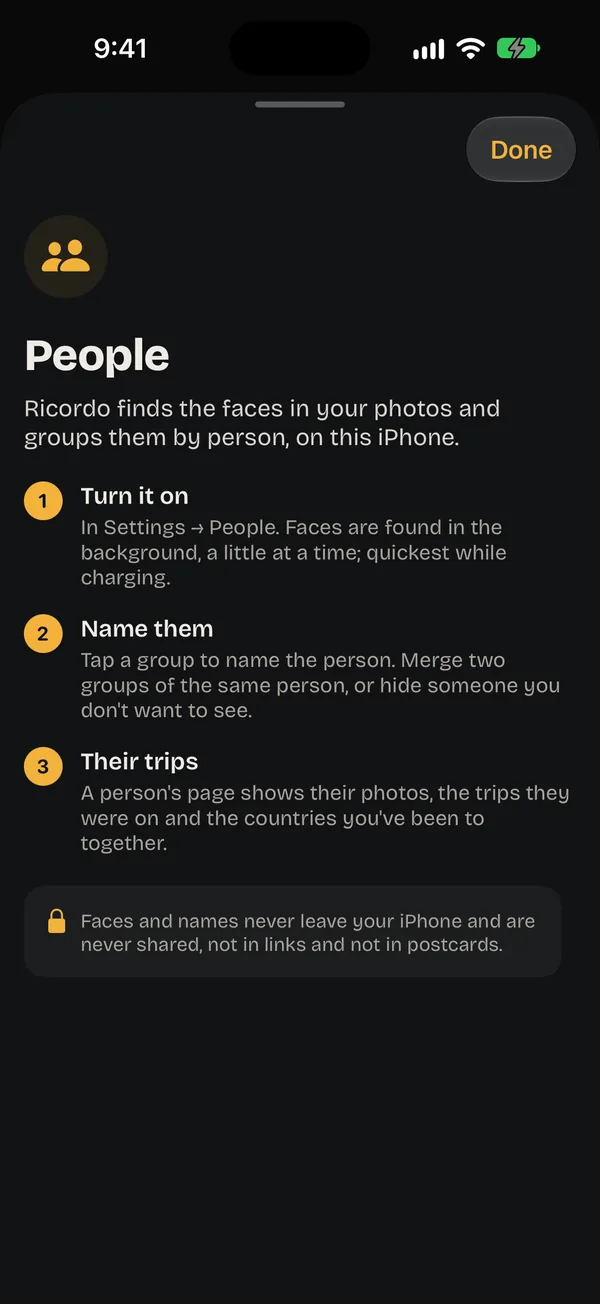
Exactly what leaves your iPhone, and when.
Everything not on this list stays on the phone, and you can switch off or take back each thing on it.
| What | When | What goes | Where |
|---|---|---|---|
| Place names from Apple Maps | On from the start. Turn it off in Settings → Internet. | The middle of each place, rounded to about 1 km, once per place. | Apple Maps |
| Place stories | Off until you turn it on. | Only the place’s name, once per place. | Wikipedia |
| Weather on trip days | Off until you turn it on. | The trip’s dates and a location rounded to about 10 km. While Ricordo is in testing, older trips ask Open-Meteo. | Apple Weather |
| Look Around | Off until you turn it on. | The place’s location. | Apple Maps |
| Photos stored in iCloud | Off until you turn it on. | Nothing to Ricordo: your photos come down from your own iCloud. | Your iCloud |
| A shared trip | When you tap Create link, until you stop sharing. | The photos you pick, smaller and without hidden data, with the title, dates, city names and rounded points for the map. | Ricordo’s server |
| A postcard | When you send one. Deleted after 30 days. | The photo, smaller and without hidden data, your city and a point rounded to about 10 km. | Ricordo’s server |
| Your edits | While iCloud sync is on. | Trip fixes, names, your home, favourites and your look. | Your own iCloud |
Never, anywhere
Photos you haven’t shared, your library, faces, the names of people, what you search for, and how you use the app.
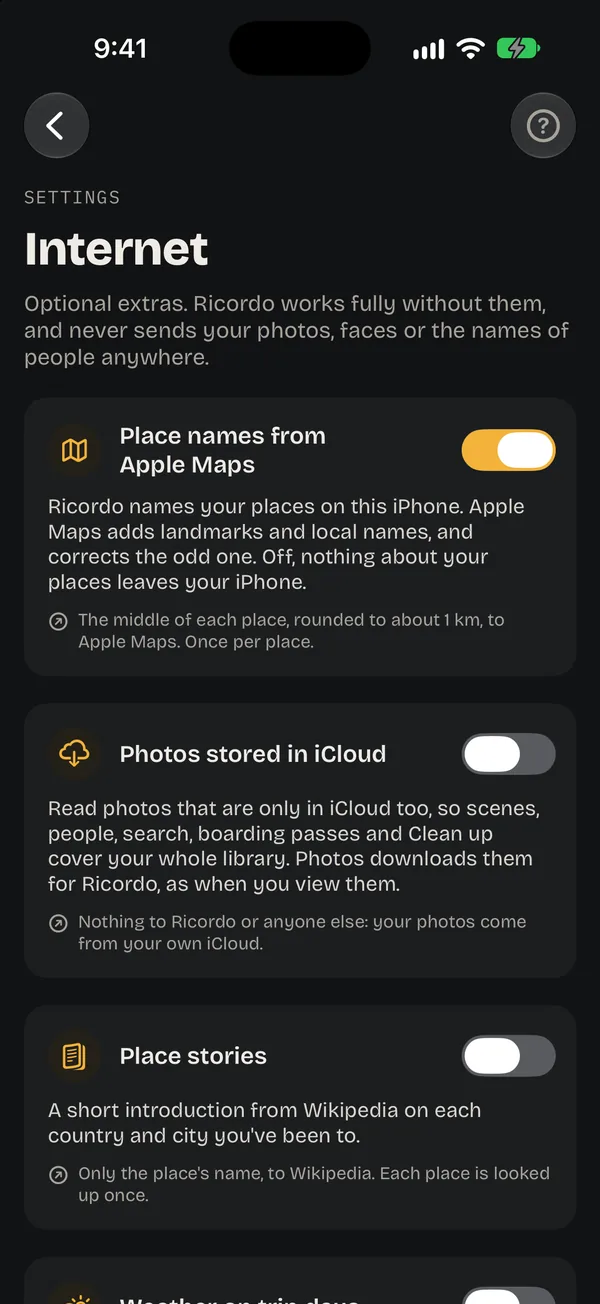
Your fixes follow you. Your photos stay put.
Everything you change by hand is kept in your own iCloud, so a new iPhone or your iPad picks up where you left off. Your photos, faces and the names of people aren’t in it, and only your Apple ID can read it.
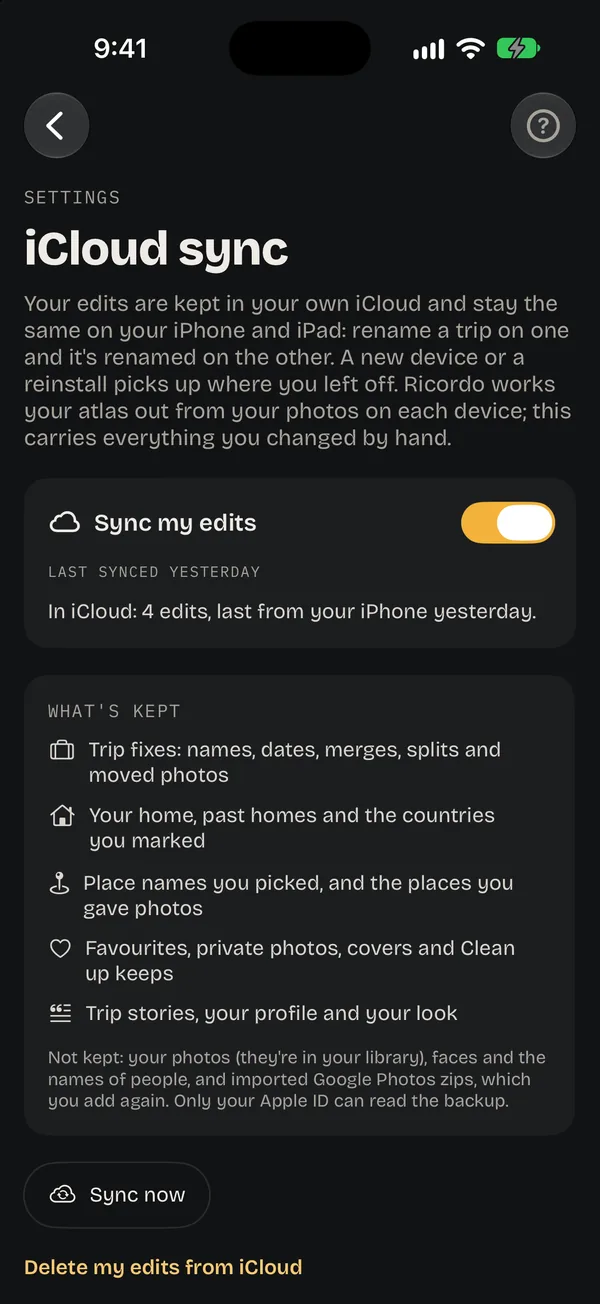
Only what you pick, and you can take it back.
Share a trip and only the photos you pick go, made smaller and cleaned of where they were taken. Shared by you lists everything anyone can see; stop a link and its photos are deleted.
How sharing works →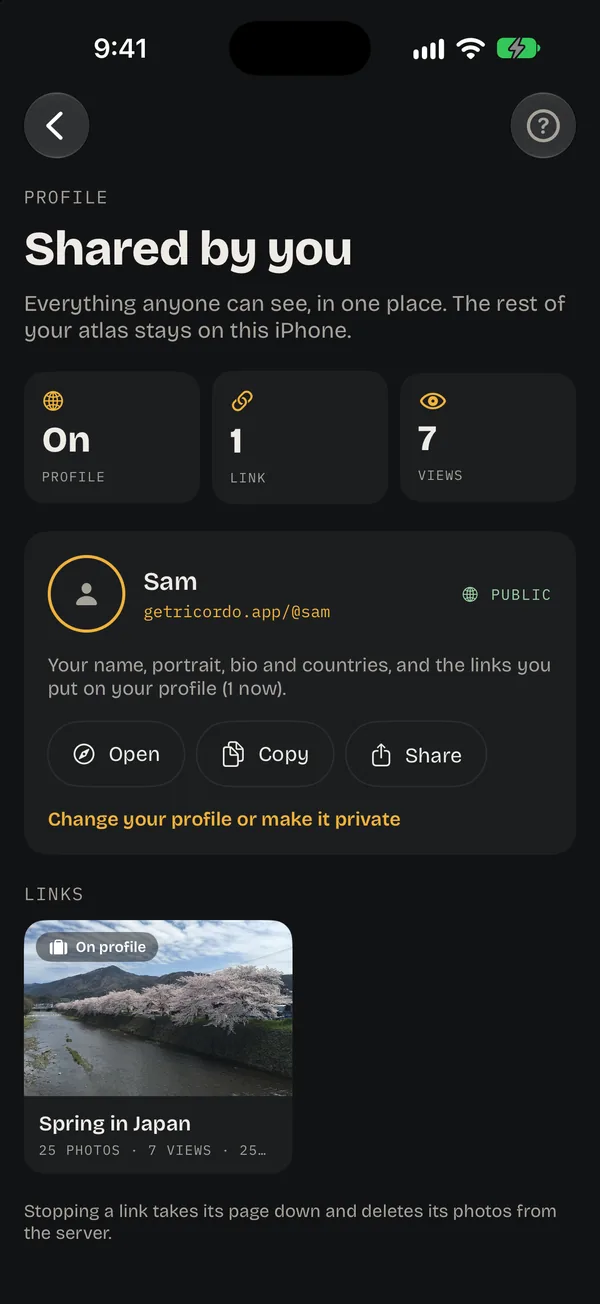
No account. No ads. No trackers.
No account
Open it and it works. You sign in, with Apple, only to share or send postcards, and Ricordo never sees your email.
Nothing to sell
No ads, no analytics, no profiling. Ricordo doesn’t track you across apps or websites.
Your library, untouched
Ricordo reads your photos. It never moves, copies or changes them.
Purchases stay with Apple
If you buy Ricordo Plus, Apple handles it. We learn only that your account has it, never your payment details.
Good to know
Does Ricordo work offline?
Yes. Your atlas, places, trips, faces, search and stories all work without a connection, and every place has a name from the cities stored on the phone. Sharing, postcards and the internet extras need a connection.
Can Ricordo see my photos?
No. They’re read on your iPhone and never sent to us. The only photos that reach Ricordo’s server are ones you share as a link or send as a postcard, made smaller and without their hidden data.
What does Apple Maps get?
With place names on, the middle of each place, rounded to about 1 km, once per place, so it can add landmarks and local names. Turn it off in Settings → Internet and nothing about your places leaves your iPhone.
What happens if I delete Ricordo?
Everything Ricordo worked out goes with the app. Your edits stay in your iCloud until you delete them in Settings → iCloud sync, and shared links stay up until you stop them or delete your sharing account in Settings → Sharing.
Your travels, kept to yourself.
A private atlas of everywhere you’ve been, on the phone in your hand.