Your photos, laid out like a profile. Never posted.
Love taking photos, but not sharing them online? Ricordo lays them out the way social apps lay out a profile: your portrait and your numbers, highlights that play, your trips and your days, in the style you like. It all stays on your iPhone, and nobody sees it but you.
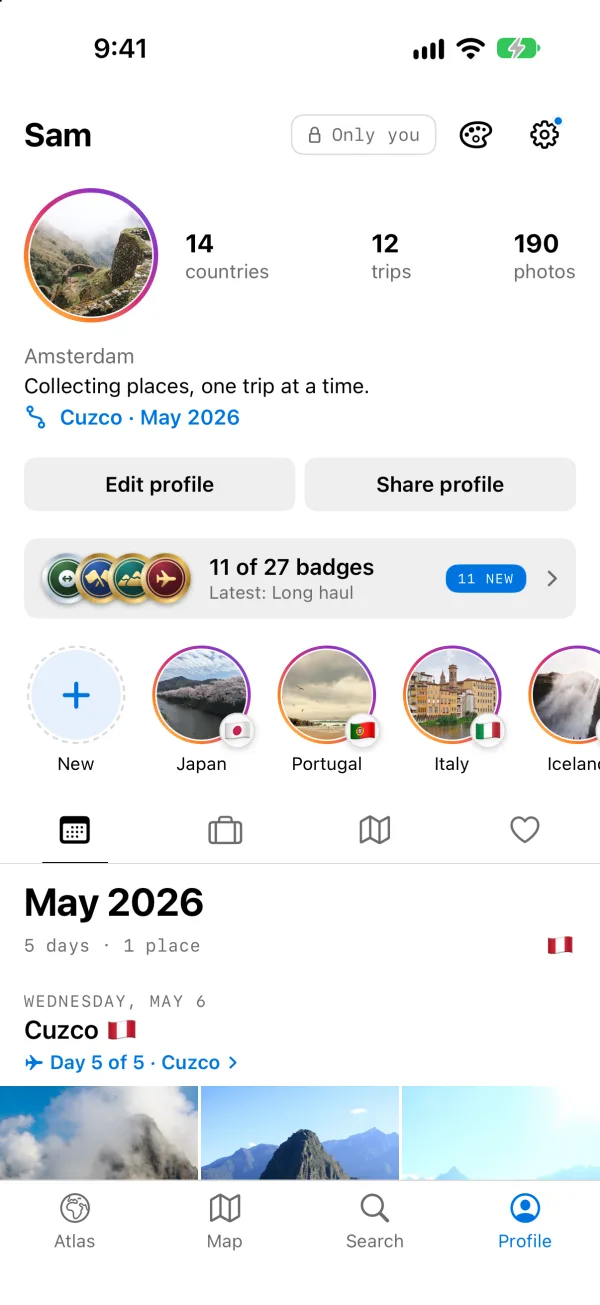
A profile with an audience of one.
The lock at the top of your Profile says it: Only you. Everything a profile gives you, without anyone watching.
No one to perform for
Nobody sees your profile unless you choose to share something. There’s no feed to keep up with.
Hearts that are yours
Double-tap the photos you love. Nobody counts them and nobody sees them.
In your order
Your photos by date, by trip and by place. No ads, and nothing pushed at you.
No account
Nothing to sign up for. Your library stays on your iPhone, read where it is, never copied.
Lay it out the way you like.
Ten styles, each with its own profile: six borrow the layouts people know from social apps, four are Ricordo’s own. Change it any time.
Grid
FreeYour numbers beside your portrait, rings on new highlights, a tall photo grid.
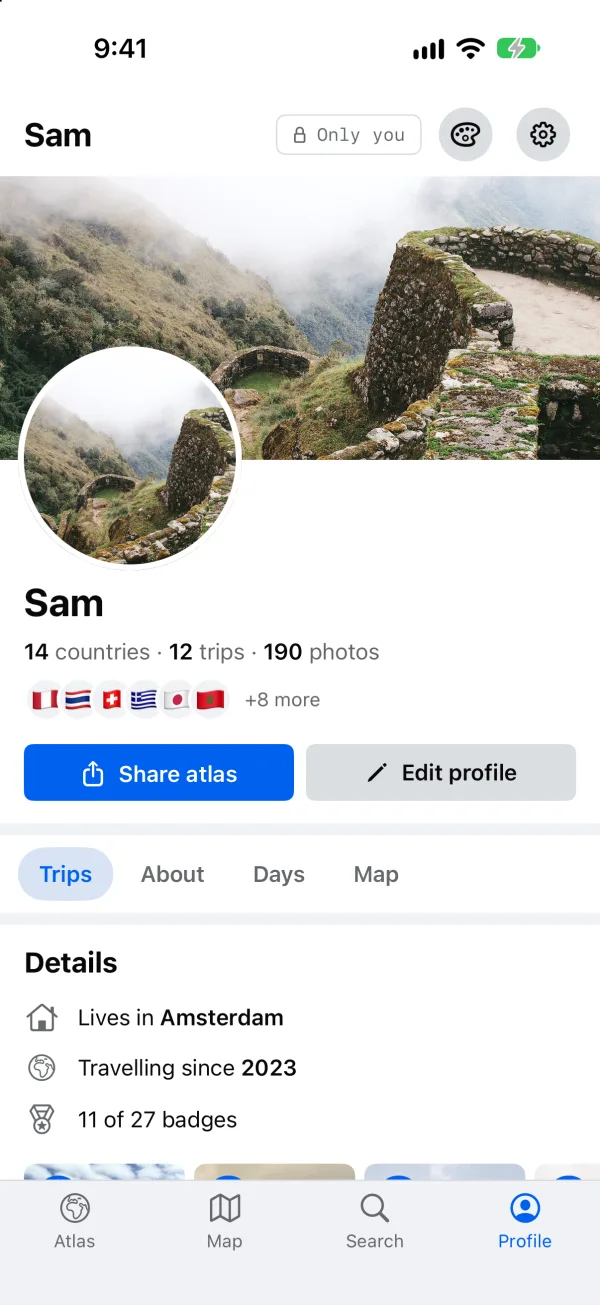
Wall
FreeA cover photo, your details, and every trip as a post.
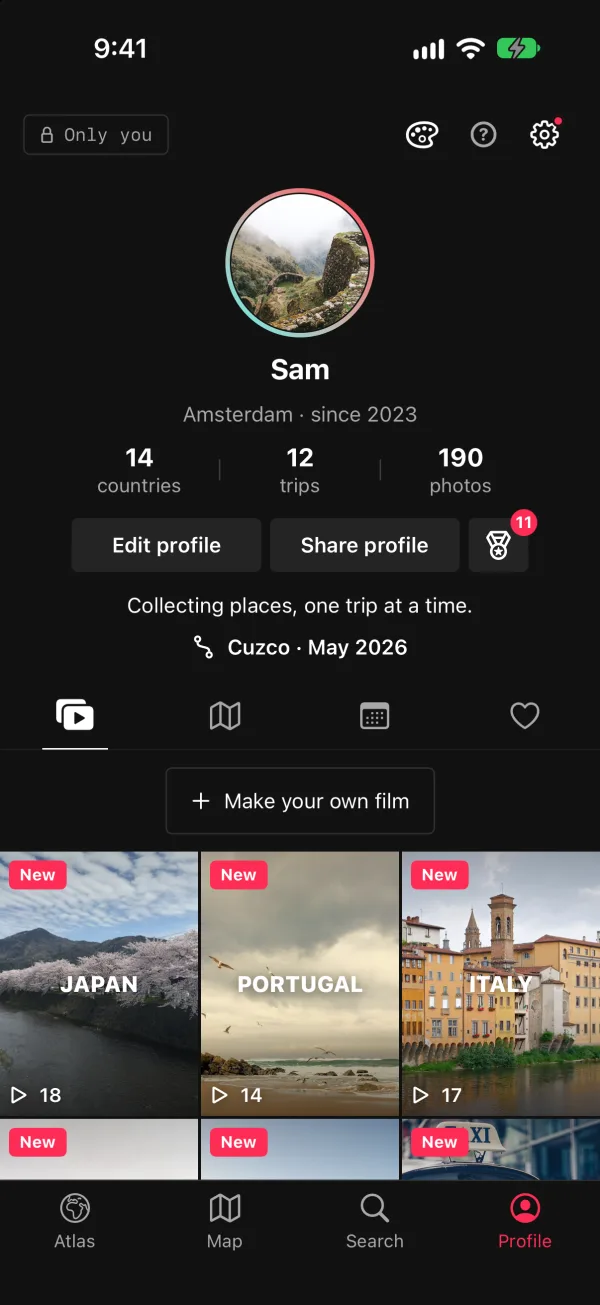
Loop
Ricordo PlusDark, your numbers centred, every highlight a tall tile that plays.
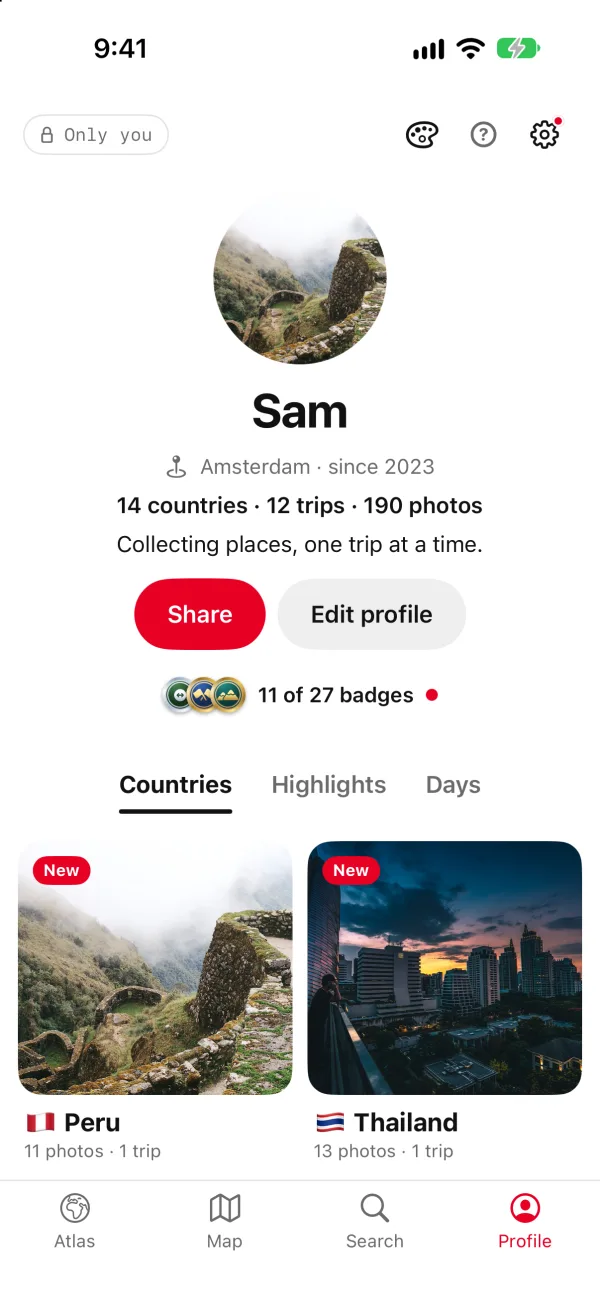
Board
Ricordo PlusA centred portrait, each country a board, a wall of photos.
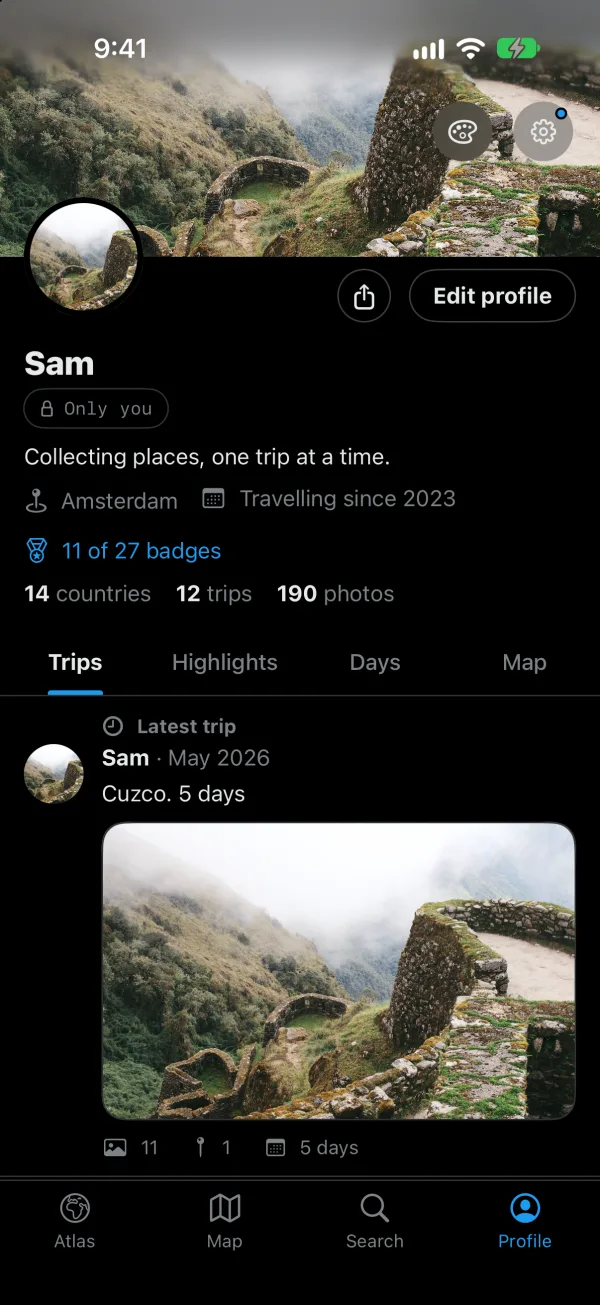
Timeline
Ricordo PlusBlack, with a banner, your latest trip on top and every trip as a post.
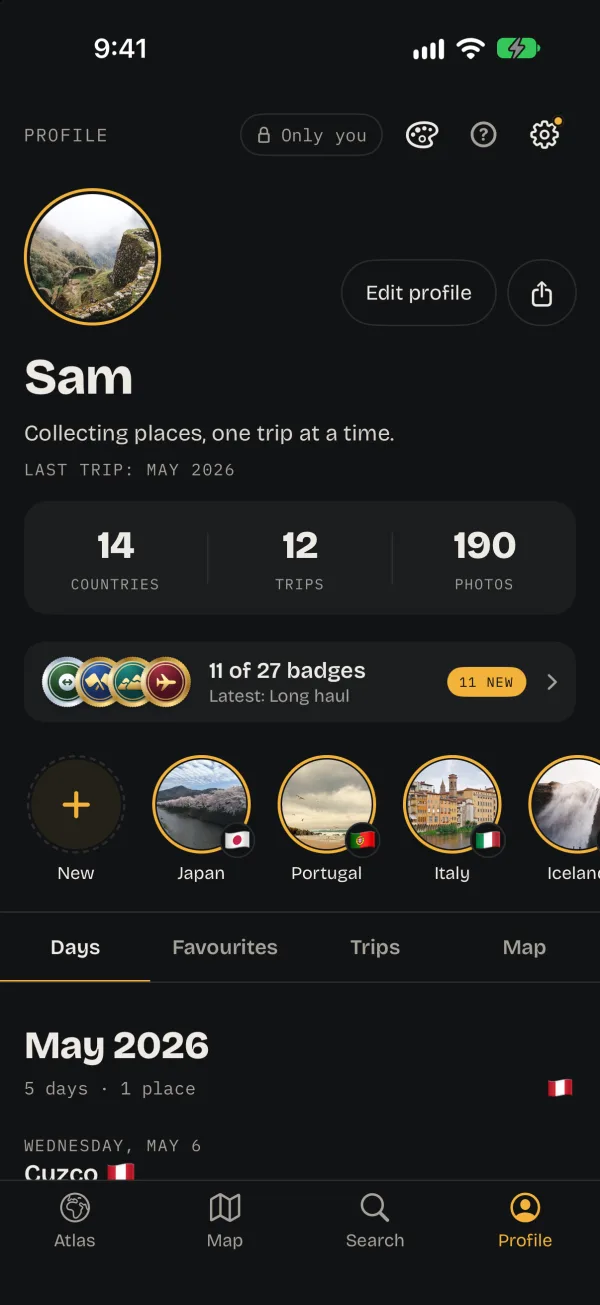
Atlas
FreeRicordo’s own: dark and photo-first, metadata in mono.
Atlas, Grid and Wall are free. The others come with Ricordo Plus, and you can try any of them on first.
See all ten styles →Highlights that play like stories.
Your countries, your home and each year become highlights, and you can make your own from the photos you pick. Tap one and it plays as a short film: your photos whole, the place and the date, your numbers at the end. Keep it to yourself, or save it as a video for the people you choose.
How the films work →Scroll your own life, not a feed.
Days shows your photos newest first, a day at a time: where you were, which day of the trip, and its best few. And when the year ends, it’s waiting as a story told by your photos.
Your year in review →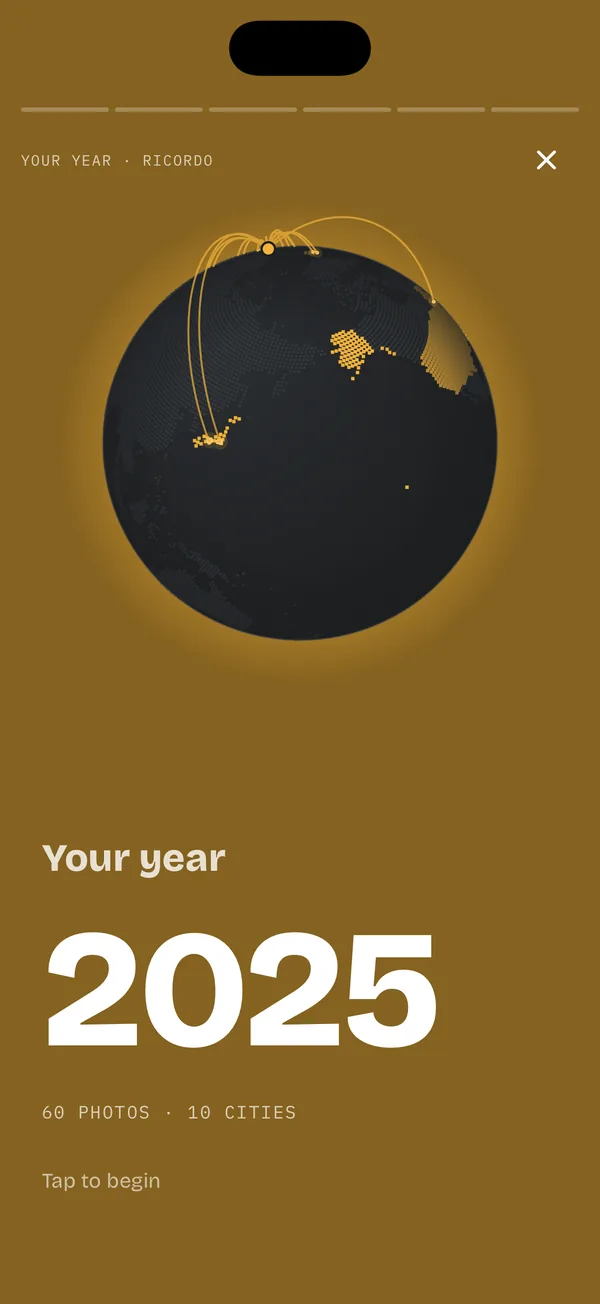
Share only what you pick, with only who you pick.
Nothing is ever posted for you. If you want to, send a postcard to your family’s Home Screen or a single trip as a link: the photos you pick, smaller and without their hidden data. Shared by you lists everything anyone can see, and stopping a link deletes its photos.
What stays on your iPhone →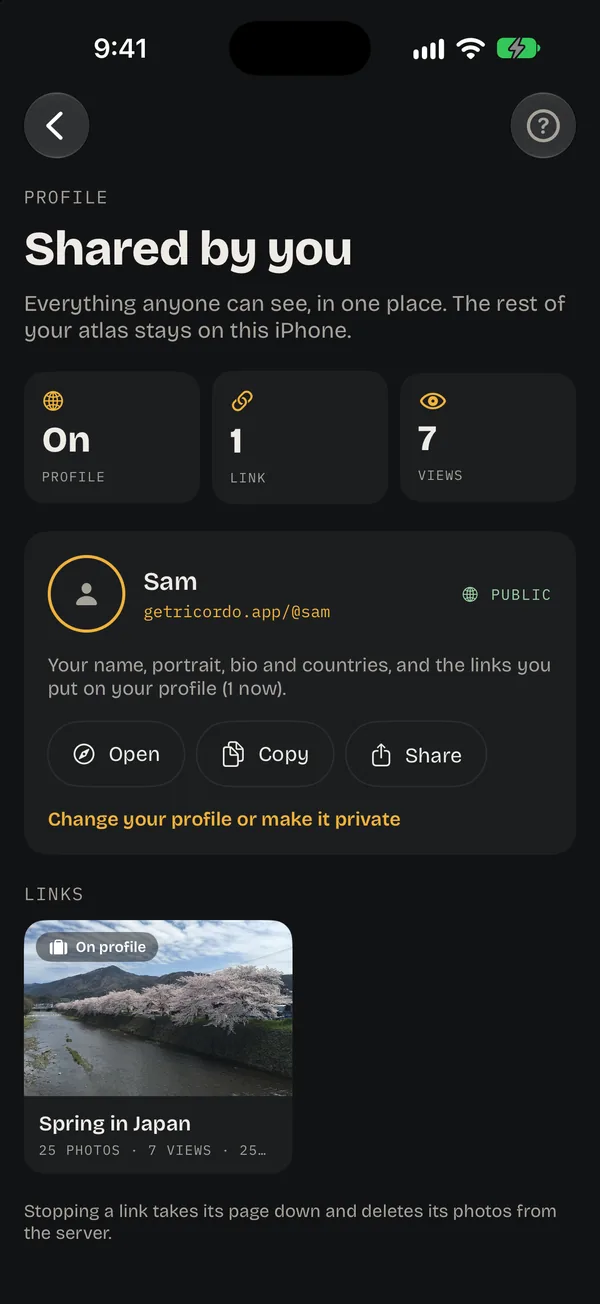
Good to know.
Is Ricordo a social network?
No. There’s no feed, no followers and no one to perform for. Ricordo lays out your own photos like a profile, for you. You can show someone a trip, send a postcard or follow each other’s trips with friends, but nothing is shared unless you choose it.
Are my photos uploaded?
No. Places, trips, faces and search are worked out on your iPhone. Only what you choose to share leaves it, smaller and without hidden data. Place names come from Apple Maps unless you turn that off, and maps load the area on screen, like any map app. The full list is on Private by design.
Do I need an account?
No. You only sign in with Apple if you want to share a trip, send postcards or see friends’ trips.
Which photos does it use?
The ones already in your Photos library, with when and where they were taken. Nothing is copied: Ricordo reads them where they are, and your library stays as it is.
What does it cost?
Your profile, the atlas, the highlights and three styles are free. Ricordo Plus adds every other style, saving most films as videos and more. The film of your year is free to save.