A digital scratch map that scratches itself
A digital scratch map shows the countries you’ve been to lit up on a world map. You can make one by ticking countries off in your browser, or let an app fill it in from where your photos were taken, so it’s complete and keeps itself up to date.

Ricordo · The scratch map that fills itself inFree on the App Store, for iPhone and iPad
Download on the App Store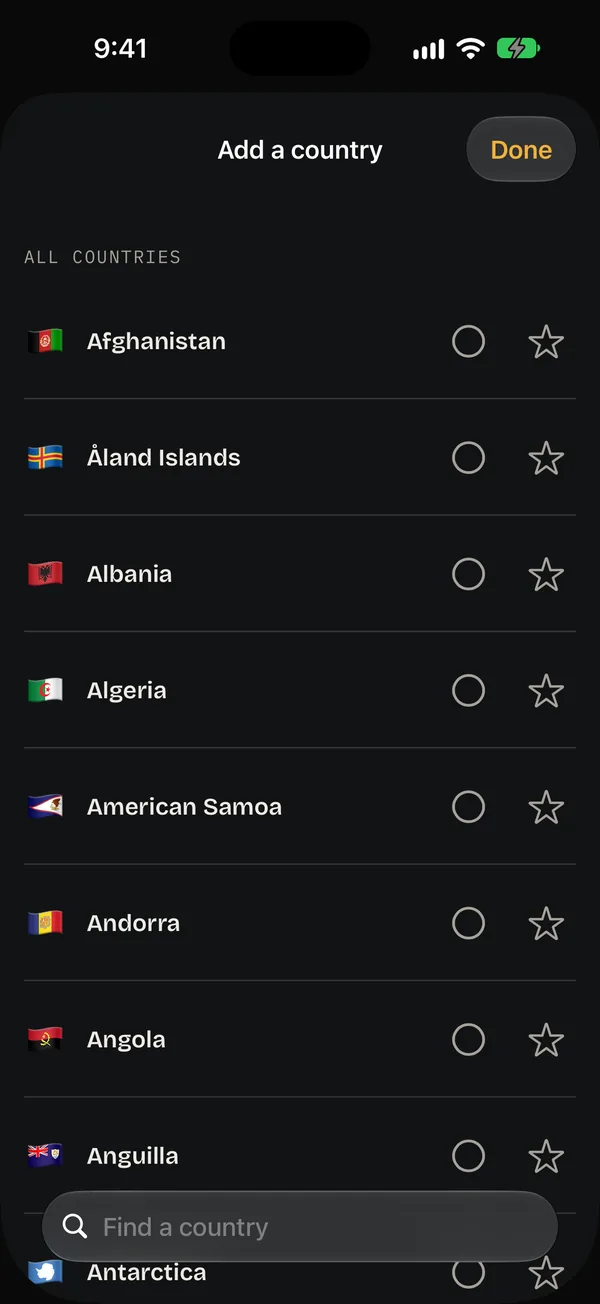
Why go digital?
The poster with gold foil is a lovely thing on a wall. It also has a few problems: you have to remember every country, scratching is final, small countries are hard to hit, and it stays at home while you travel.
A digital map fixes most of that. It’s with you, you can undo a mistake, it counts for you, and it can show more than a scratched patch: when you first went, how many times, and the photos from there.
Two ways to make one
| Tick them off yourself | Filled in from your photos | |
|---|---|---|
| Effort | A few minutes, from memory | None: it reads your library |
| Accuracy | As good as your memory | Every country you photographed, even the forgotten ones |
| Keeps itself up to date | No | Yes, after every trip |
| Cities and trips | No | Yes |
| Where it lives | Your browser | Your iPhone or iPad |
Tick them off yourself
Our free countries visited map works in your browser: tap the countries you’ve been to, see your count and your share of the world, and copy a link to share it. Nothing to install.
Let your photos fill it in
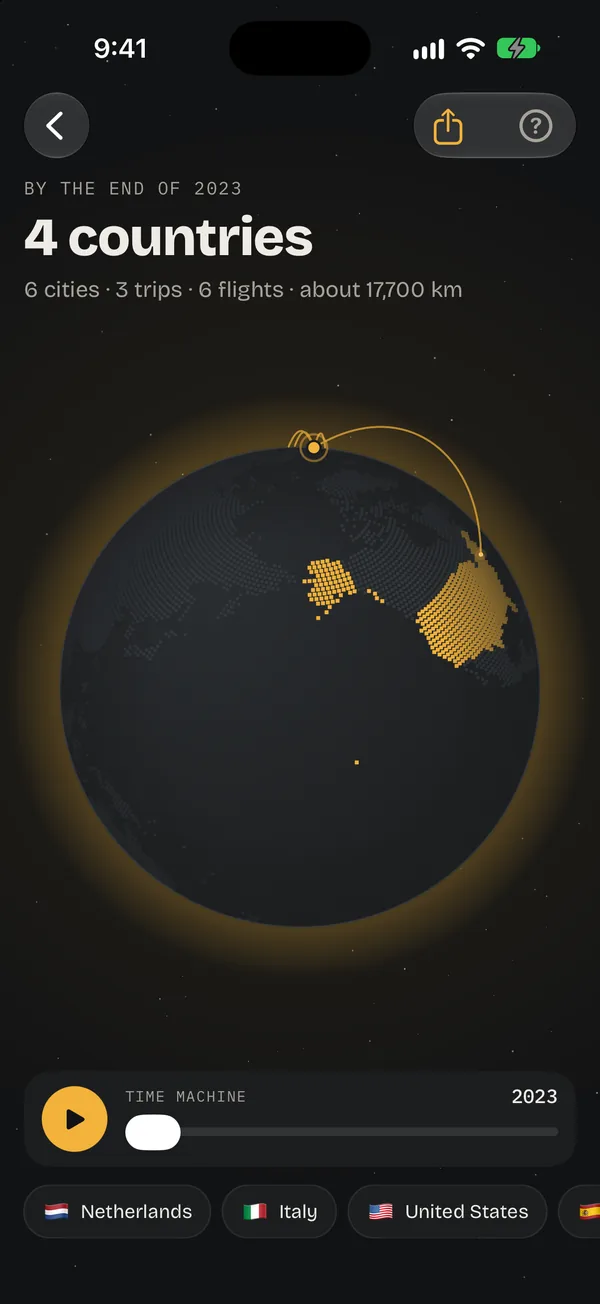
Ricordo reads where and when each photo was taken, on your iPhone, and lights up every country and city on a globe. Your first look already shows years of travel, including the trips you’d forgotten.
Make it yours
A good scratch map is about more than the countries. In Ricordo you can:
- Add the countries your photos missed, with the year if you like. They count on your Atlas and glow softer on the globe, so you can tell them apart.
- Keep a want-to-go list with a star for every country you’re dreaming of.
- Watch it fill in. Press play on the time machine and see every country arrive in the order you first went.
- Open any country for its cities, its trips and every photo from it.
Show it off
A paper map lives on one wall. A digital one goes where you want it:
- On your Home Screen: the Your world widget shows your countries on the globe. See travel widgets for iPhone.
- As a card: the passport card has the globe, your numbers and every flag, ready for a Story or a chat.
- As a page: turn on a public page at getricordo.app/@you with your countries lit on a world map. It stays off until you turn it on.
Only what you choose leaves your phone. More in sharing trip photos privately.
Questions
Is there a scratch map app that fills itself in?
Yes. Ricordo reads the locations in your iPhone’s photos and lights up every country and city you’ve been to, then keeps it up to date after every trip.
Can I add countries I don’t have photos from?
Yes. Add them by hand, with the year if you like. They count on your Atlas and glow softer than the countries from your photos.
Can I make a visited countries map without an app?
Yes. Our free countries visited map works in any browser: tap your countries, see your count and copy a link to share.
Does it cost anything?
No. The globe, the map, the time machine and adding countries are all part of free Ricordo.