How to make a year in review from your photos
A good year in review answers a few questions: where you went, what was new, who was there, and which moments mattered. Your photo library already holds every answer. Pick a photo a month by hand, or let an app read the year from your photos and tell it as a story.

Ricordo · Every year, already madeFree on the App Store, for iPhone and iPad
Download on the App Store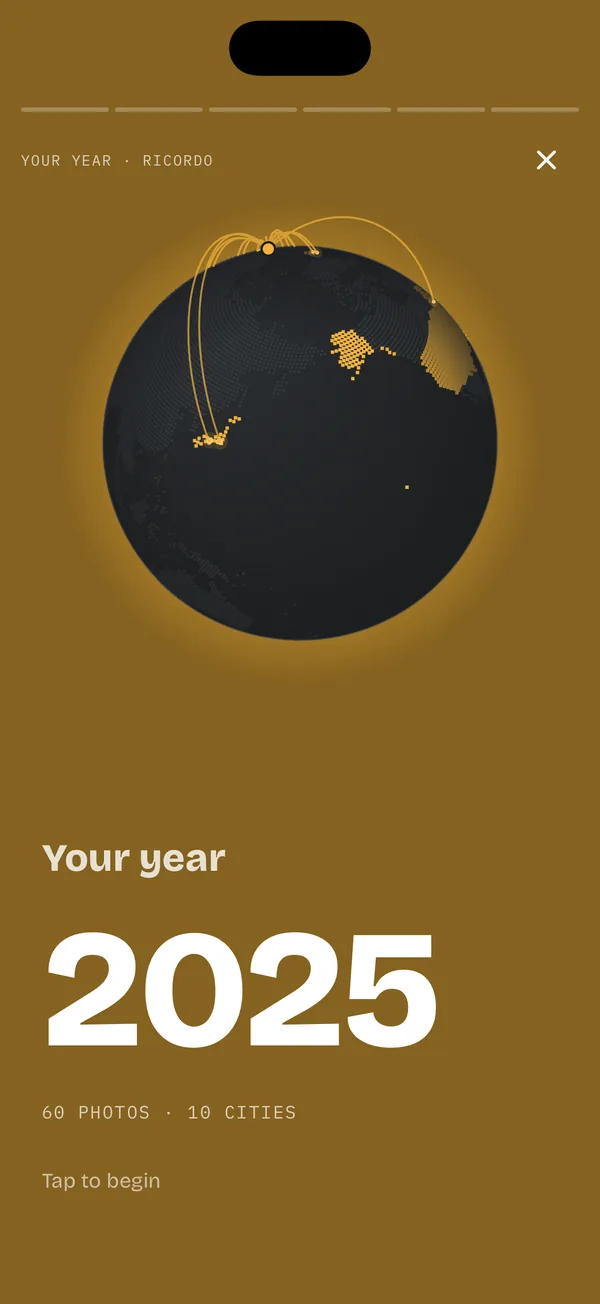
What goes in a year in review
- Where you went: the countries and cities, and the ones you saw for the first time.
- Your trips: how many, how many days away, the longest one.
- How far: flights and kilometres.
- Your places: where you took the most photos.
- Your best moments: a handful of photos that sum the year up.
- Your people: who was in it.
Making one by hand
- In the Photos app, scroll your library to January and pick your favourite photo of each month. Tap the heart to make it a favourite as you go.
- Note the trips you took and the places that were new.
- Put the twelve photos in a collage, a short video or a post, with your numbers on top.
Do it in early December, before the year’s last trips, and add December in January. You’ll actually finish it.
The Photos app also makes memories of its own through the year, which are worth a look for ideas. For a memory every day rather than once a year, see on this day photos on iPhone.
Let your photos tell the year
Ricordo turns each year into a story from the photos you already took. There’s nothing to make: it’s waiting on your Atlas, for this year so far and every year before. Six slides, about half a minute:
- Your year: it opens on the globe, with your photos and cities counted.
- Countries: every country you were in, and the ones you saw for the first time.
- Trips: your trips, the days away, flights and kilometres, and the longest one.
- Places: where you took the most photos, top three.
- Best moments: the best photos of your year, picked on your iPhone.
- That was the year: your year on one card, ready to share.
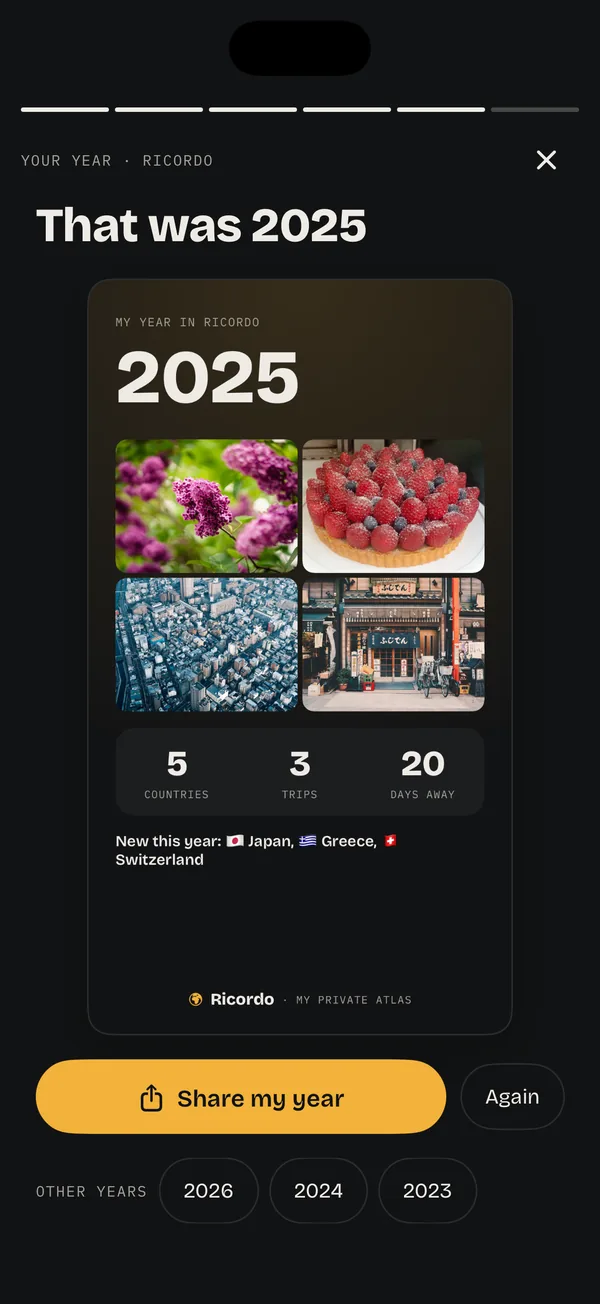
It plays by itself: tap to go back or skip ahead, and hold to stay on a slide. When your iPhone has found what’s in your photos, there’s one more slide: what your year looked like.
Questions
How do I make a year in review from my iPhone photos?
Pick a favourite photo from each month and add your trips and new places, or let Ricordo do it: it reads the year from your photos and plays it as a six-slide story with a card to share.
Can I see a year in review for earlier years?
Yes. In Ricordo every year with photos is a tap away, under Other years at the end of the story.
When is my year ready?
Any time. During the year it’s your year so far, and once the year is over it becomes “That was” the year.
Is it private?
Yes. It’s made on your iPhone from your own photos. Only the card you choose to share leaves it.
Does it cost anything?
No. Your year in review is part of free Ricordo.